Upload an image or enter a prompt, then generate to create your result.
Remove backgrounds from images instantly with AI. Perfect cutouts with transparent or white backgrounds. Clean edges in seconds. Try free!
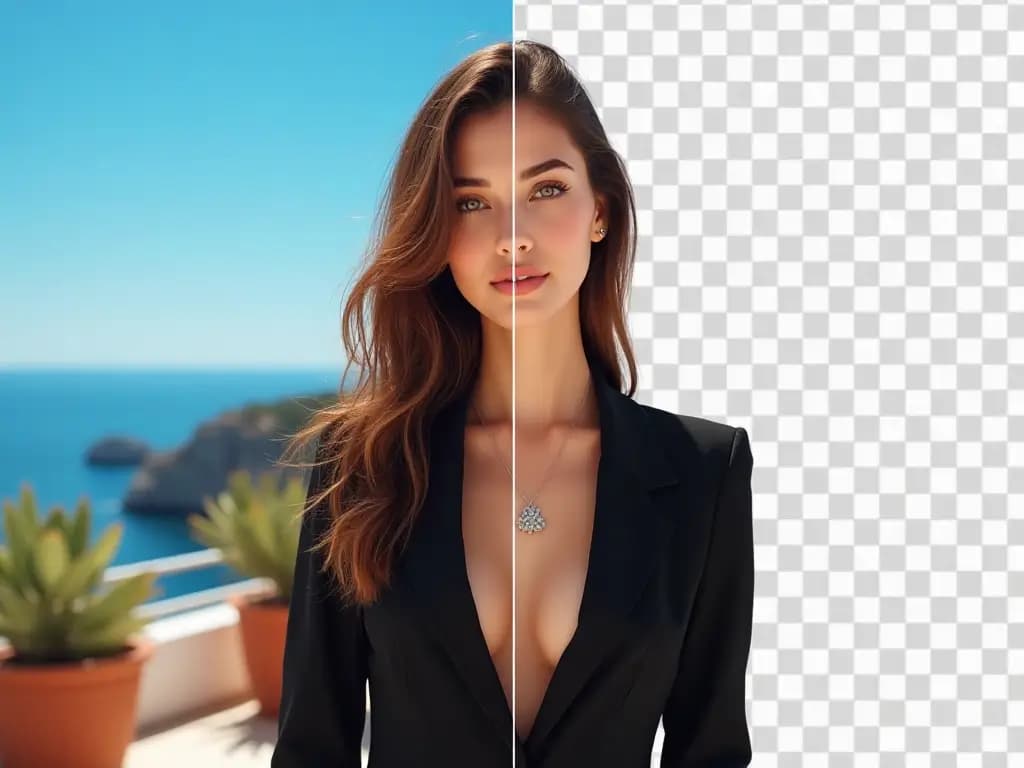
An AI-powered tool that removes backgrounds from images instantly. Create professional cutouts with transparent or white backgrounds in seconds.
Remove backgrounds in seconds with AI-powered precision. No manual editing or complex tools required. Simply upload your image and watch AI automatically detect subjects.
Get smooth, artifact-free edges that preserve fine details like hair strands, fur texture, and complex contours. Professional-quality cutouts that rival hours of manual editing.
Choose transparent PNG backgrounds for overlays and logos, or clean white backgrounds ideal for product photos and e-commerce listings. Flexible output for any use case.
Powerful AI background remover with pixel-perfect precision. Create professional cutouts faster than traditional editing software.
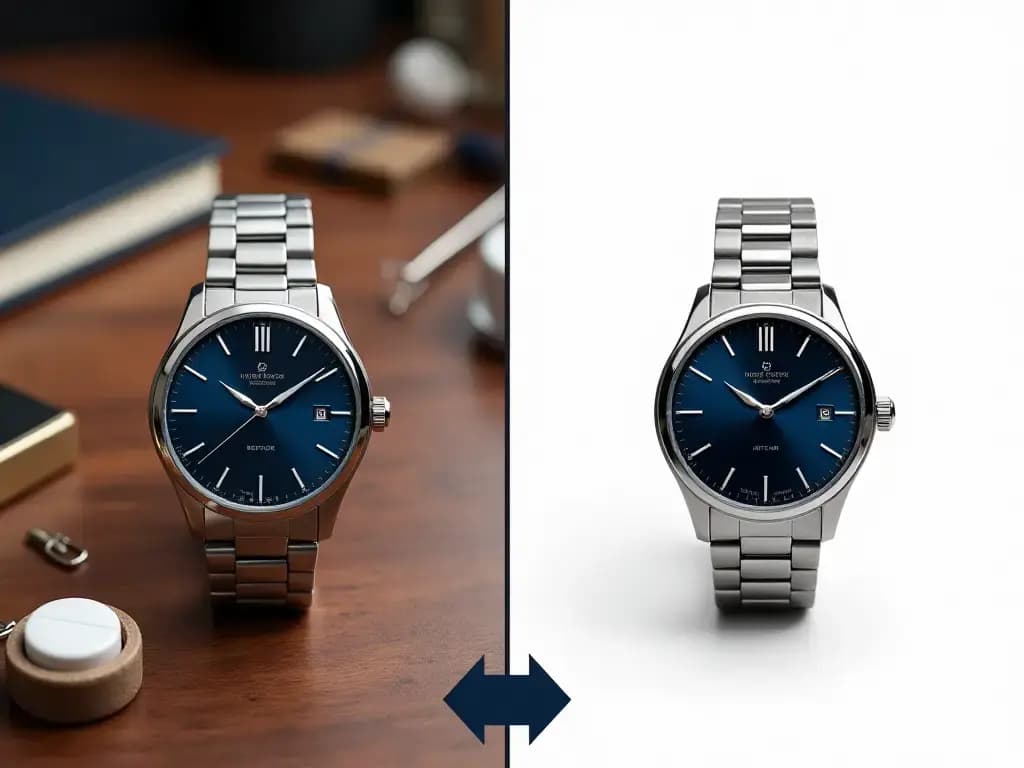
Common questions about removing backgrounds with AI
Remove backgrounds professionally in three simple steps. Perfect cutouts in seconds.
Upload any image with a clear subject—portraits, products, pets, or objects. Works with JPG, PNG, and WebP formats.
AI automatically detects the subject and removes the background with pixel-perfect precision in seconds. Preserves all details and creates clean smooth edges.
Get your professional cutout with transparent or white background instantly. Download in high quality, ready for e-commerce, design, or any professional project.
Everything you need to remove backgrounds with professional quality
Advanced AI accurately detects subjects and removes backgrounds with clean, smooth edges. Pixel-perfect precision automatically.
Choose transparent PNG or white backgrounds perfect for any use case. Flexible output for all projects.
Clean cutouts with smooth edges and preserved fine details. Professional results every time.
Lightning-fast background removal in seconds, not minutes. Optimized for speed and quality.
Remove backgrounds from multiple images efficiently. Perfect for high-volume needs.
Download professional cutouts in high resolution ready for any use.
Real reviews from professionals using our background remover
Perfect background remover! The edges are clean and professional every time. Essential tool for my content creation workflow. I use it daily for social media posts. Saves me hours of manual editing!

Jessica Martinez
Content Creator & Social Media Manager
The precision is amazing! Perfect for creating transparent cutouts for design work. The hair and fur detail preservation is incredible. Better than manual Photoshop selection. Essential for designers!

Michael Chen
Graphic Designer & Creative Professional
We use this for all product photos in our online store! The clean backgrounds meet every marketplace standard. Sales conversion has improved with professional product images. Essential tool for e-commerce!

Sophia Anderson
E-commerce Manager & Online Store Owner
Perfect for creating overlays and video graphics! The transparent backgrounds are always clean and precise. I use this for video thumbnails. The quality is consistently professional!

Alex Thompson
Video Creator & Content Producer
I use this for event materials and client deliverables! The background removal is fast and professional every time. Perfect for creating professional portraits. My clients love the clean results!

Emma Williams
Event Photographer & Portrait Specialist
Integrated into our e-commerce platform seamlessly! The background removal is consistently accurate and lightning-fast. Our sellers love how easy it is to create professional product photos.

Robert Johnson
Product Manager at E-commerce Platform
Join over 100,000 professionals creating flawless cutouts for e-commerce, marketing, and design. Perfect transparency and clean edges, every time. Start removing backgrounds now!
