
AI Image Tool for Marketing: Briefs, Visual Variables, and Ad Angles
AI Image Tool for Marketing: Briefs, Visual Variables, and Ad Angles works best when the first request is narrow enough to judge. The useful goal is to turn a campaign idea into a small set of reviewable image directions, not to generate a large gallery and hope one option feels right. Start in Genimg, then use Pricing or AI Image Tools only after the first campaign image has a clear review signal.
For a marketing team, the smallest useful test has four parts: product truth, audience, visual context, and channel. Guidance from OpenAI image generation guide and Google image SEO guidance is helpful here because the output still needs prompt clarity, image usefulness, and search or reuse context. That keeps AI image tool for marketing connected to a real social post, ad mockup, or article cover instead of a loose prompt experiment.
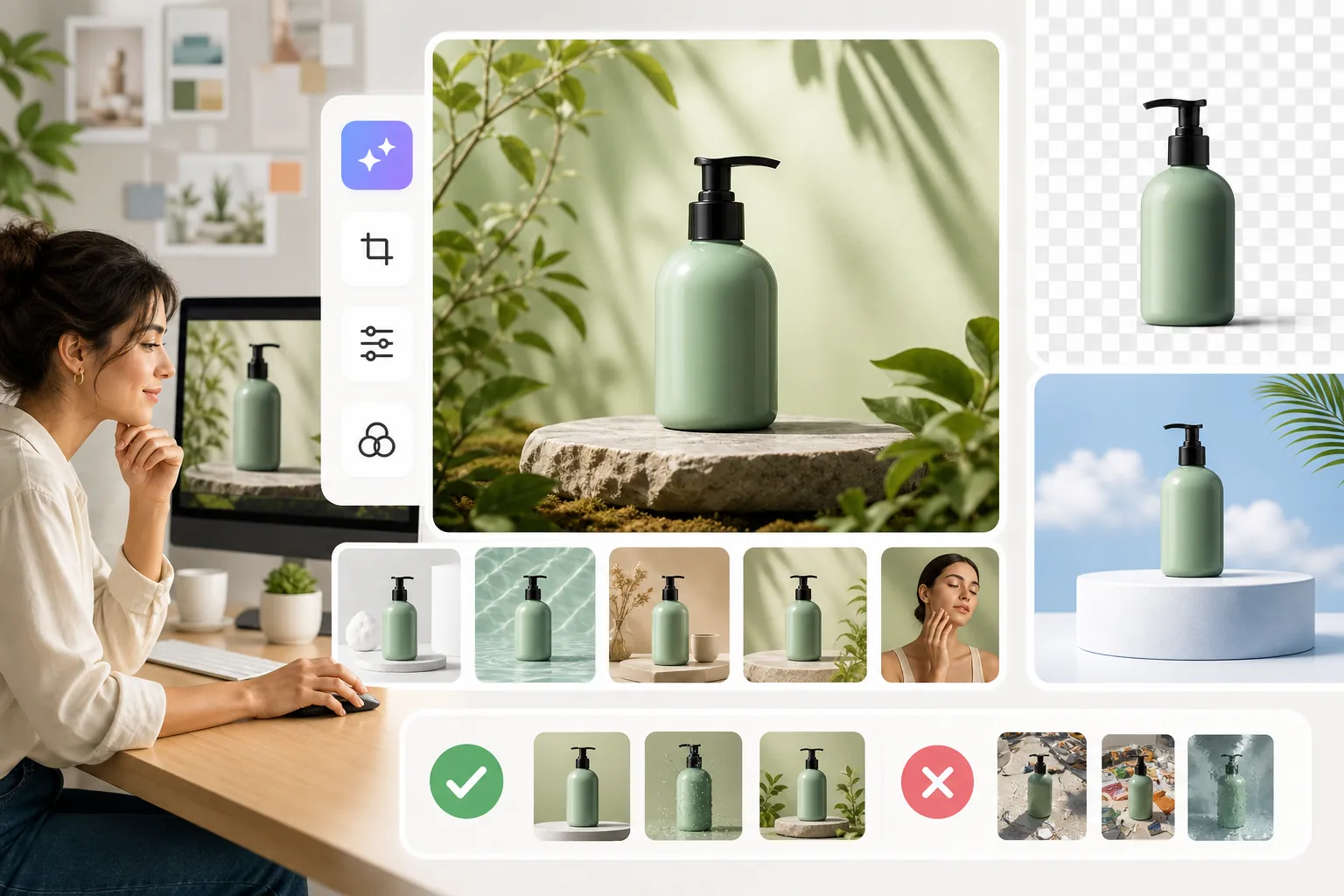
Key Takeaways
- Define product, audience, and channel before writing the image prompt.
- Change one visual variable at a time so the next result teaches something.
- Review the output for product accuracy, rights, brand fit, and claim safety.
- Scale variants only after one version is easy to explain and reuse.
Start AI image tool for marketing With a Real Creative Brief
A strong brief names what the image must prove. For Genimg, that means the prompt should not merely ask for something polished; it should say what the viewer needs to understand in the first few seconds. If the product shape, offer, or use case is vague, the model can still return something attractive while missing the commercial job.
Use this short brief before the first run:
- Product: what item, feature, or service must stay accurate.
- Audience: who should understand the image without extra explanation.
- Channel: where the image appears first, such as social post, ad mockup, or article cover.
- Success rule: what would make the first result worth keeping.
This is also where the reader should remove risky claims. An image can suggest quality, comfort, speed, or lifestyle, but public copy should not ask it to imply proof the business does not have.
Control the Variables That Change the Image
Most weak outputs come from changing too many things at once. Keep the product fixed, then test lighting, background, composition, and style separately. A clean background may improve readability, while a new angle may create a better ad crop. If both change at the same time, the team cannot tell which decision helped.
For AI image tool for marketing, the practical variables are easy to list but easy to blur:
- Lighting: controls mood and product readability.
- Background: controls distraction and brand fit.
- Composition: controls where the viewer looks first.
- Style: controls whether the image feels editorial, commercial, or social.
The best first pass is rarely the most dramatic one. It is the version that shows whether the idea can survive a calm review.
Review the First Output Before Making Variants
Before making variants, compare the first output against the original brief. Does the product still look like itself? Are colors, materials, and proportions believable? Would the image make sense on the intended page or ad surface? If the answer is unclear, do not solve the problem by asking for more versions. Fix the brief.
For Genimg, this review should include a human check for three things: whether the image supports the real offer, whether the visual rights are appropriate for the intended use, and whether the final page gives the reader enough context. That is why an internal link such as AI Image Tools belongs after the first test, not before it.
Review Checklist
- Accuracy: product details, scene, and visual claim are still true.
- Usefulness: the image can support one page, post, or ad idea.
- Compliance: no unsupported performance, health, safety, or price claim appears.
- Reuse: the team knows which variable to change next.
When to Continue, Revise, or Stop
Continue when one image gives the team a clear next move. Revise when the output is close but the weak point is visible. Stop when every retry changes the problem instead of clarifying it. That stop rule matters because AI image tool for marketing can create the illusion of progress while the brief remains unresolved.
The most reasonable workflow is small: one brief, one output, one review, then one controlled variant. If that sequence works, scale it. If it does not, return to the product, audience, offer, or channel before spending more generation time.
FAQ
What should a first AI image tool for marketing prompt include?
Include the product, audience, scene, visual style, channel, and anything that must not change. The prompt should make the review easier, not just make the image sound more elaborate.
How many variants should a team make first?
Start with one main output and one controlled variant. More versions are useful only when the team can explain what each version is testing.
What makes an AI product image risky?
The biggest risks are inaccurate product details, unsupported claims, confusing visual context, and rights or brand-fit problems. Those should be checked before the image reaches a public page.
When is Genimg a good fit?
Genimg is a good fit when the reader has a specific image job and can review the first output against that job. It is weaker when the goal is only to browse styles.
What should the reader do after the first usable output?
Save the prompt, note the variable that helped, and make one variant for the same social post, ad mockup, or article cover. That gives the next test a reason to exist.
Final Take and Next Step
AI Image Tool for Marketing: Briefs, Visual Variables, and Ad Angles should leave the reader with one practical move: write a narrow brief, create one output in Genimg, and review it before making variants. Use AI image tool for marketing when the result can be checked against a real product, audience, and channel; pause when the image is attractive but the decision behind it is still vague.